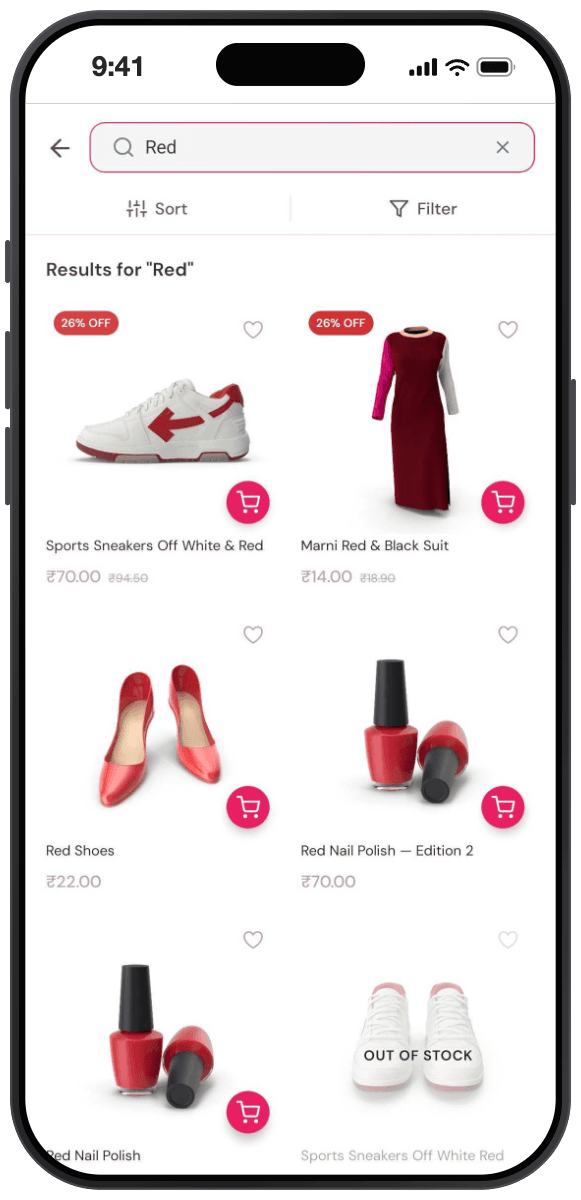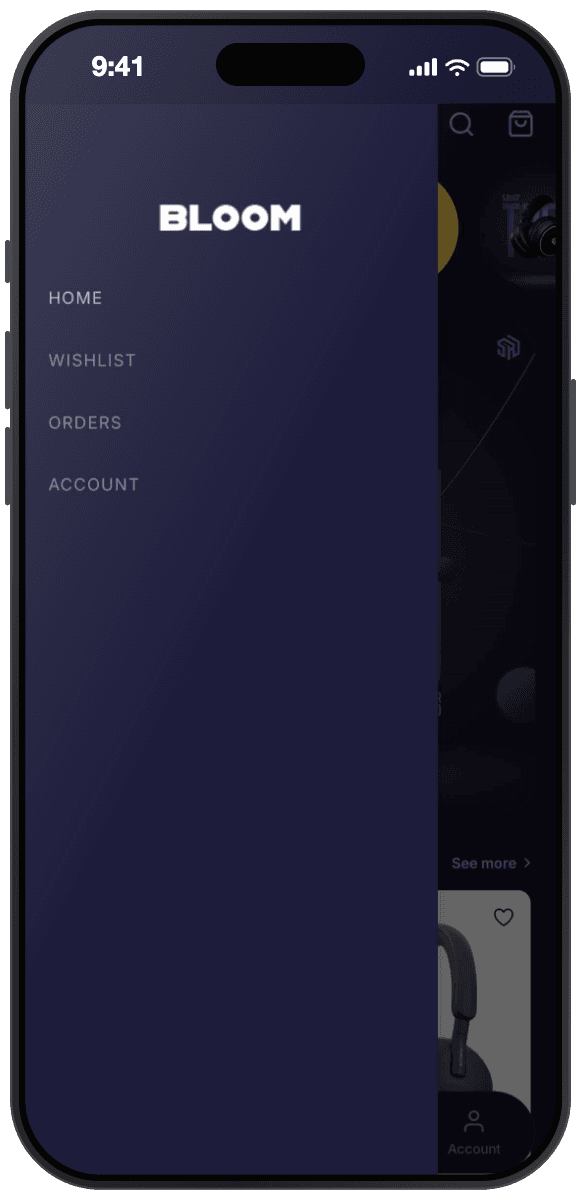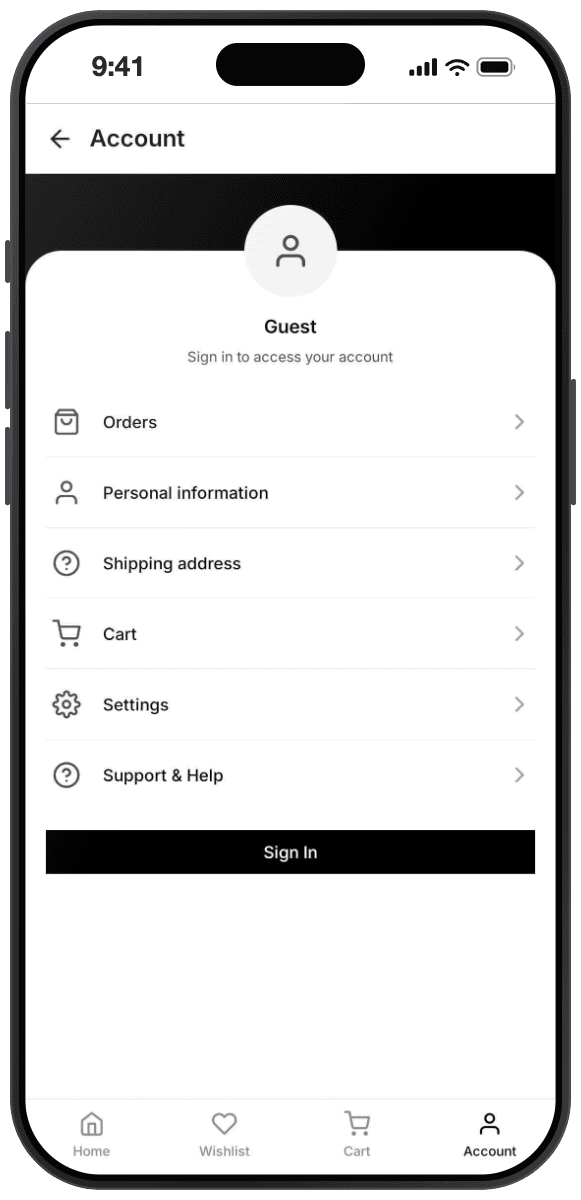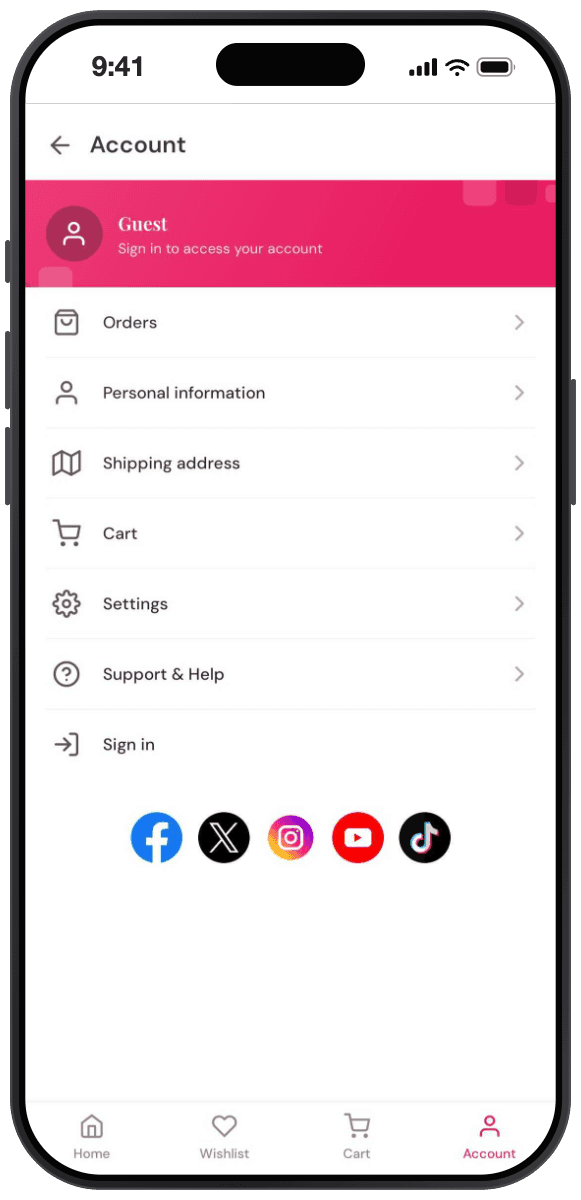
Your Shopify store,
now an app you design
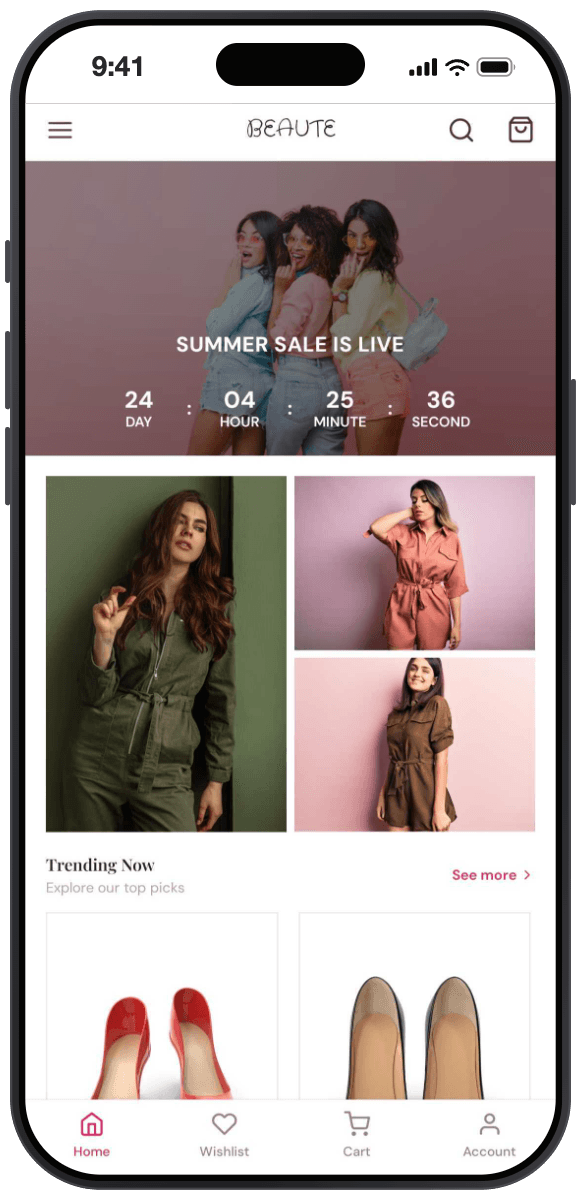
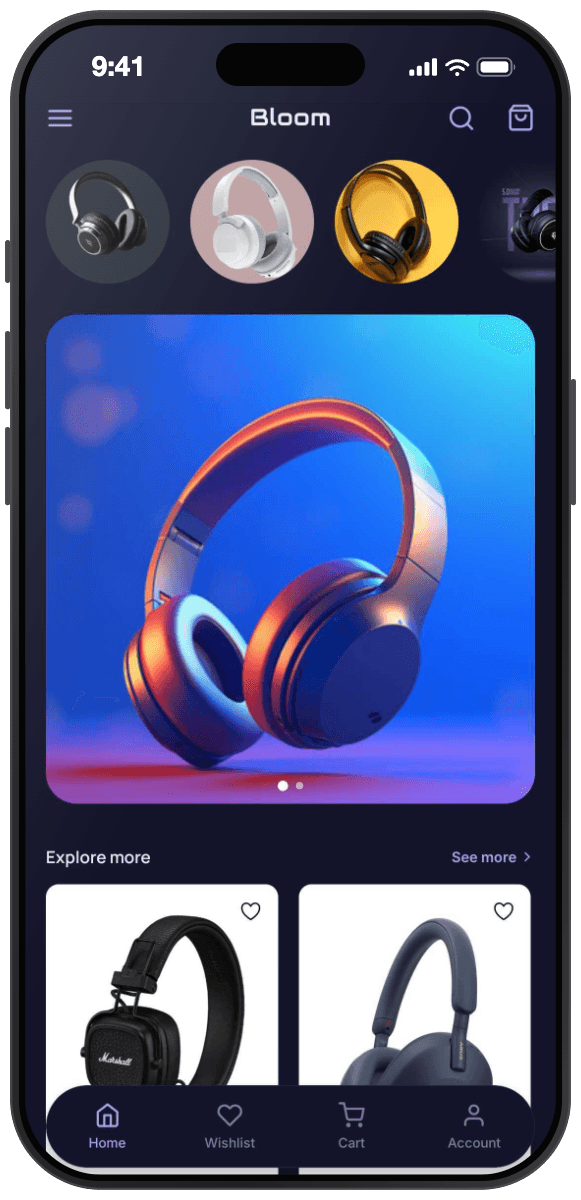
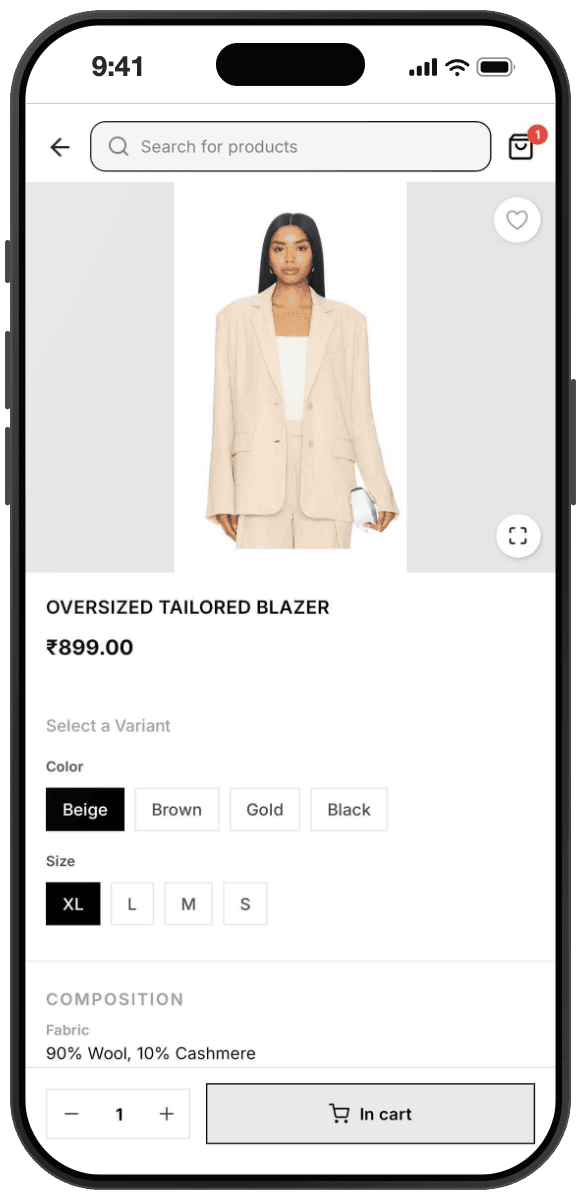
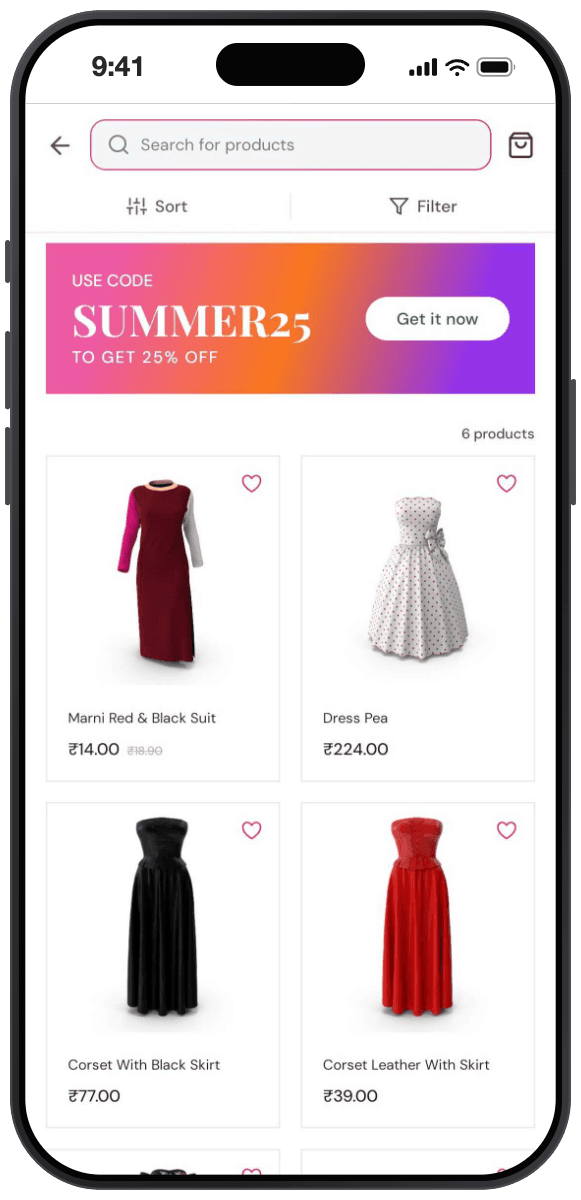
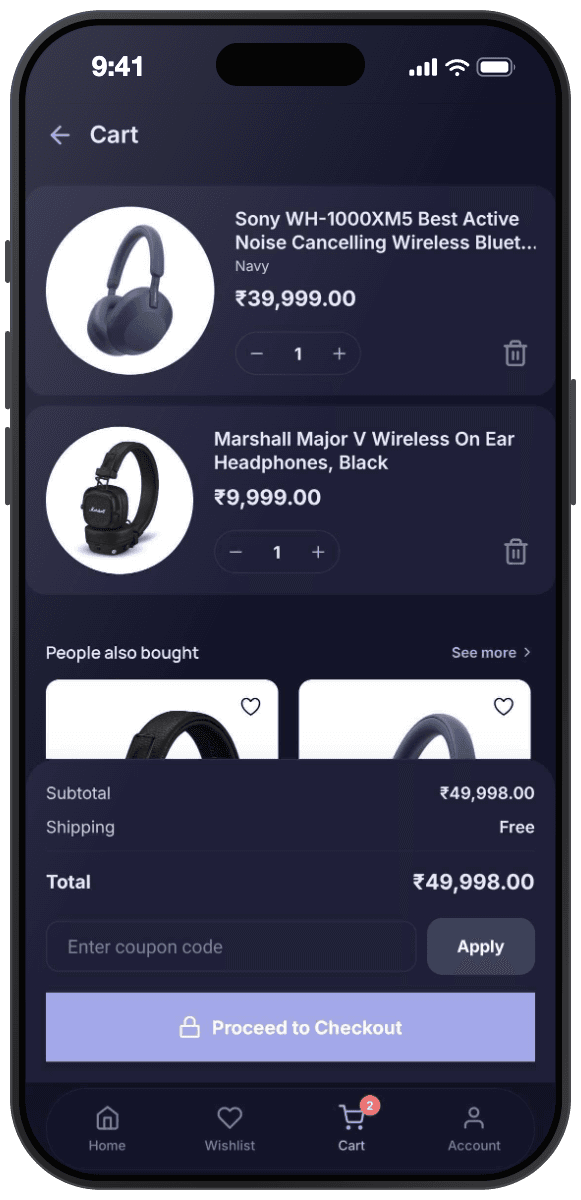
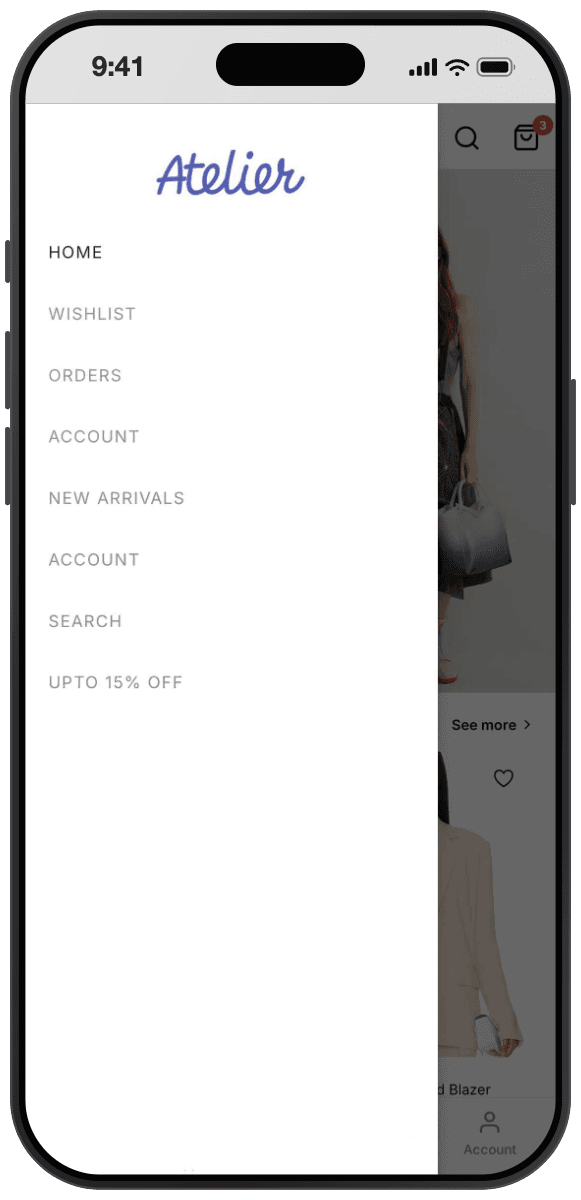
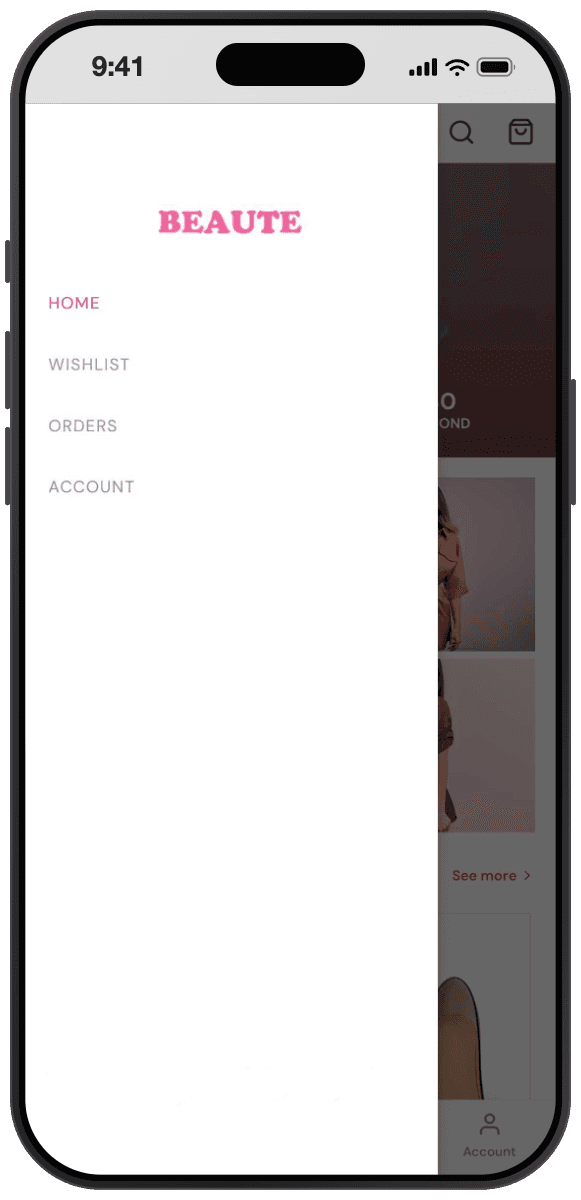
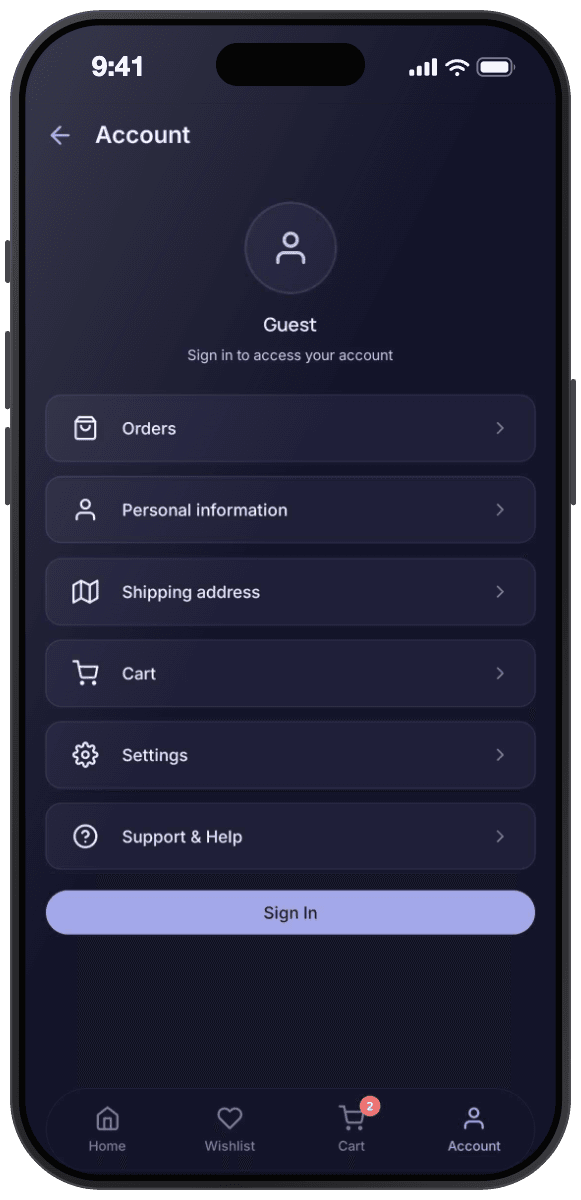
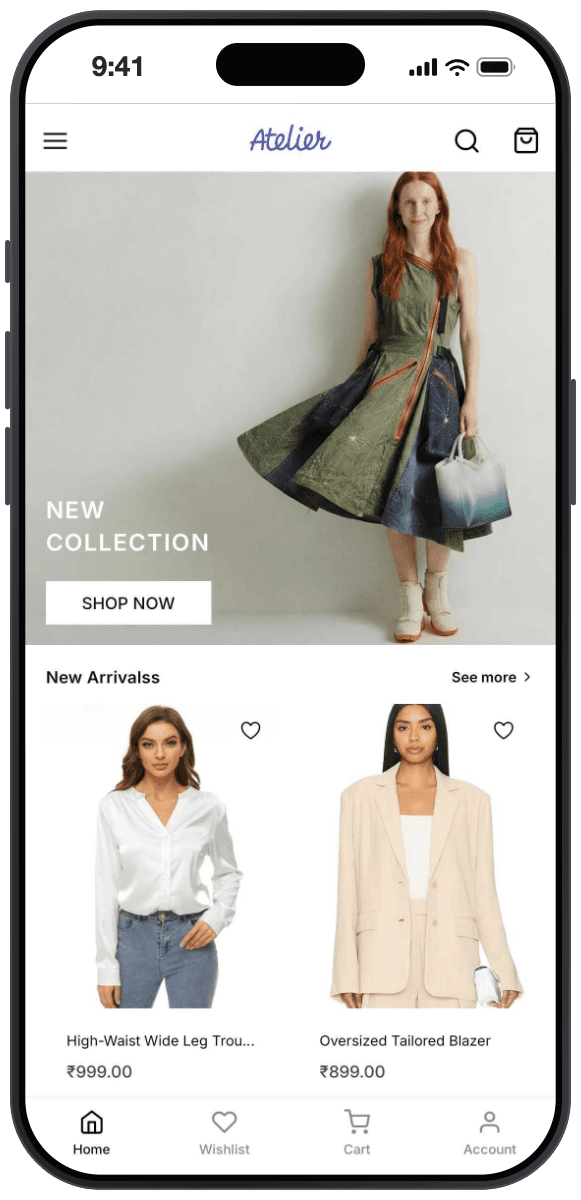
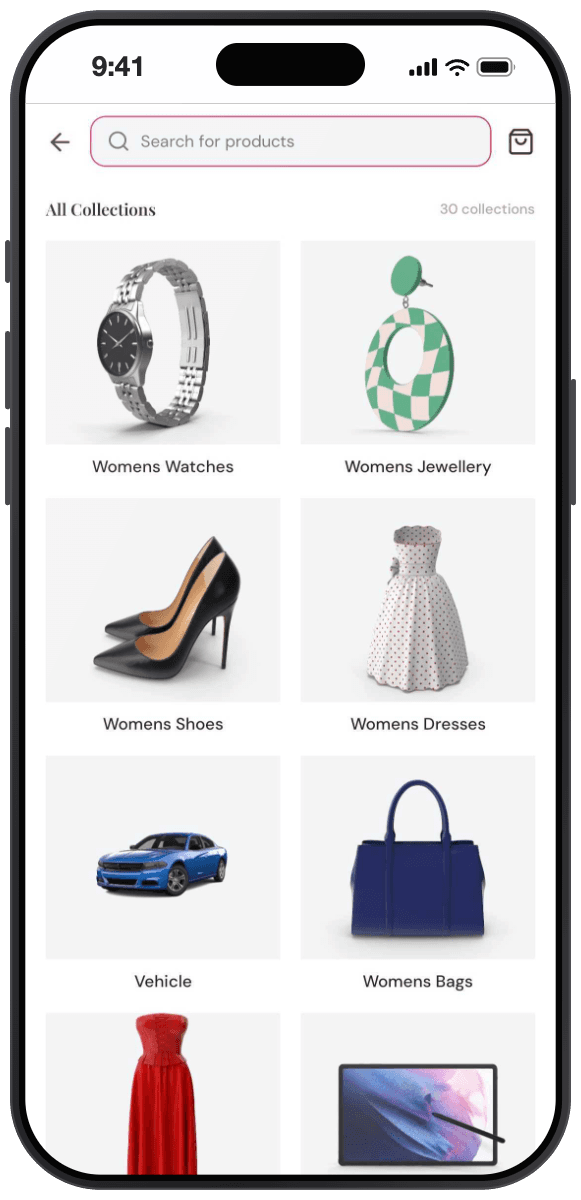
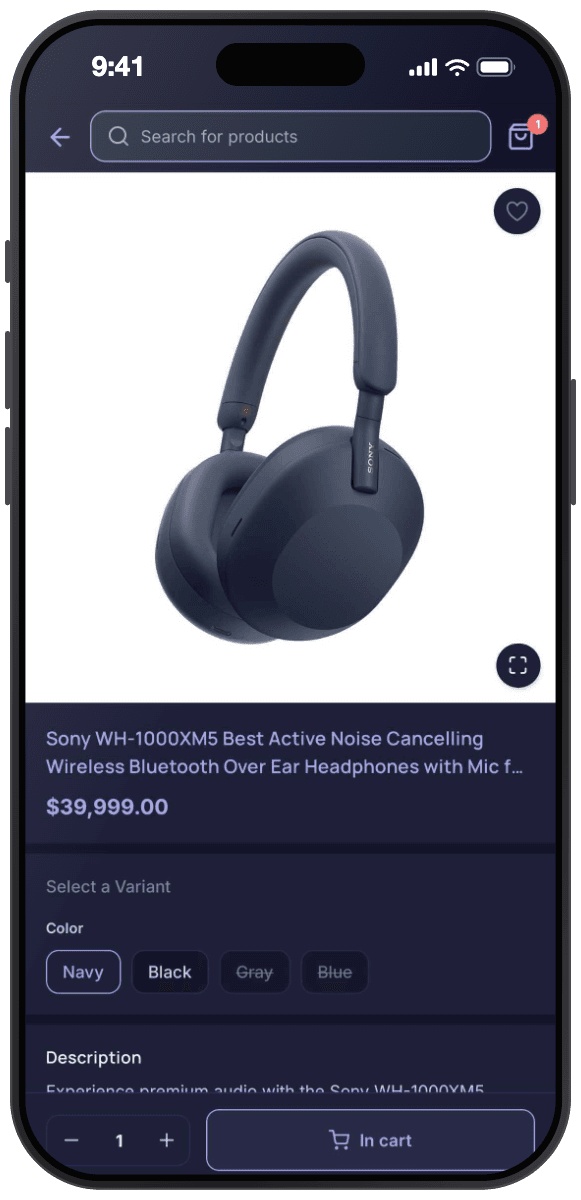
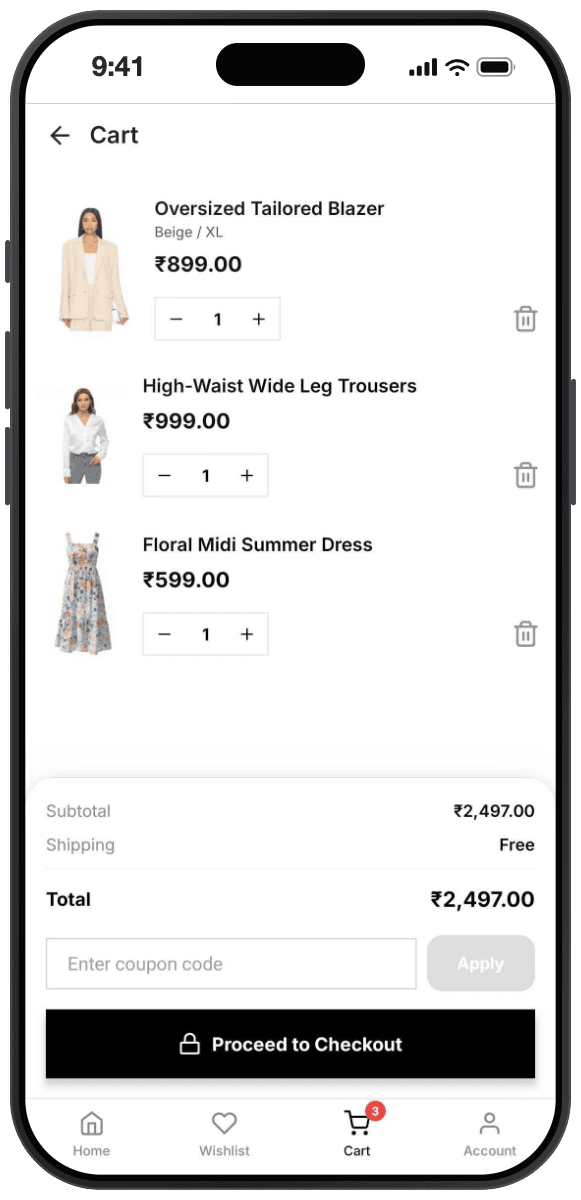
Drag blocks onto a canvas and watch the live app update beside you. Your products, pricing, and checkout stay exactly where they are, inside Shopify.
Components
Drag blocks onto the canvas
Countdown Banner
Collection Grid
Product Slider
Review Slider
Tab Bar
Properties
Nothing selected
Select a block to edit it.
Click any block on the canvas, or pick an item from the sidebar on the left.
Your catalog stays the single source of truth. No import, no sync job.
Three steps to launch
- 01
Connect your store
Install from the Shopify App Store and approve access. Your products, collections, and metafields load into the builder straight away. Nothing is copied, everything is read live.
Takes about two minutes - 02
Build on the canvas
Drag sections onto the home screen, set up navigation, and choose type, color, and density. The device beside you redraws on every change, so you are never guessing.
No code, no build step - 03
Publish to Google Play
We generate the Android build, prefill the listing metadata that usually causes rejections, and walk you through submitting under your own Google Play developer account.
You own the listing





Building the app isn't the hard part.
Iterating is.
Working with an app agency
- A twelve week estimate and a retainer before anyone opens an editor
- Every copy tweak turns into a ticket, then a release, then a review queue
- Your catalog gets copied into a second system that quietly drifts
- You find out the layout was wrong after the build already shipped
Working on the canvas
Edit. Preview. Publish.
Every change lands in the device preview straight away, read live from your Shopify catalog.
- Install, approve access, and your catalog is in the builder in minutes
- Change a section and watch the app redraw while you are still looking at it
- One catalog, read live from Shopify, so there is nothing to reconcile
- Get the layout right before submission instead of after
Average setup
Under 10 minutes
Start from a preset, not a blank canvas
What changes the day you install, and what doesn't
The app is a new surface on top of the store you already run, not a second system to keep in step. Some things get faster. The rest stays exactly where it is.
What changes
Ship this afternoon, not next quarter
App agencies quote twelve weeks for a version one. The canvas gets you to a build you can submit the same day you install.
See it before you commit
Every edit redraws in the device preview in under a second, on a real frame, not a static mock.
Push that earns its keep
Send campaign pushes and automatic order updates without paying for a separate retention tool.
Pricing
Install free and build the whole app before you pay anything.
Free
$0
Build and preview your whole app before paying anything
- Full drag and drop builder
- All themes and design blocks
- Live preview on your own device
- Email support
Starter
7 day free trial$99/mo
For stores ready to put their app in shoppers' hands
- Everything in Free, plus
- Android app build (APK + AAB)
- Sync updates to your live app
- Wishlist, cart, orders, and search
Growth
Most popular$199/mo
For stores treating the app as a primary channel
- Everything in Starter, plus
- Push campaigns and in-app messages
- Automatic order notifications
- Support inbox and analytics
- Multiple apps
Both paid plans start with a 7 day free trial, billed through Shopify, cancel any time. The Google Play developer fee ($25 once) is paid directly to Google with your own account. iOS publishing is not available yet.
Your questions,
answered
Everything worth knowing before you connect a store.
Still deciding? Write to [email protected] and a person who has built these apps will answer.
Is this just my website in a webview?
No. The app ships a native shell with native navigation, native transitions, and a native cart. Content is fetched from the Shopify Storefront API and rendered by the app, which is why scrolling and tab switching feel like an app rather than a page load.
Do I need to write any code?
No. You build by dragging blocks onto a canvas and editing their settings in a side panel. If you have arranged sections on a Shopify theme, the builder will feel familiar.
Where does checkout actually happen?
In Shopify checkout. The app hands the cart to your existing checkout, so your payment providers, tax rules, discount logic, and fraud analysis all behave exactly as they do on web. Nothing about your money flow changes.
Do I need my own Google Play developer account?
Yes, and that is deliberate. The app is published under your company, not ours, so you own the listing, the reviews, and the install base. Google charges a one time 25 USD. We walk you through it. iOS publishing is not available yet.
How long does Google Play review take?
Google typically reviews within hours to three days. A brand new developer account or a first submission can take up to seven days. We prefill the metadata that most often causes rejections.
Do my existing Shopify apps carry over?
Anything that runs inside Shopify checkout carries over automatically. Storefront apps such as subscriptions, loyalty, reviews, and wishlists need a matching block in the builder. Check the integrations list for current coverage and tell us what is missing.
If I edit a product in Shopify, does the app update?
Yes, immediately. Products, variants, prices, inventory, collections, and metafields are read live from Shopify. There is no import step and no catalog to keep in sync.
Can I send push notifications?
Yes, on the Growth plan. You can send campaign pushes to a segment, show in-app messages, and shoppers get automatic pushes for order updates. No separate retention tool required.
Does it support Shopify Markets, multiple currencies, and multiple languages?
Yes. The app reads the market context for the shopper's region, so prices appear in the local currency and translated content comes through the same way it does on your storefront.
Can I match my brand exactly?
You control typeface, color, corner radius, spacing density, iconography, splash screen, and app icon. If you need something the settings do not cover, blocks accept custom styling overrides.
What happens to my app if I cancel?
Your listing stays yours because it lives in your developer account. After you cancel, your published app keeps working for a 7 day grace period, then shows an unavailable screen until you resubscribe. The builder stays accessible on the free plan, and your designs are kept, so coming back is one click on the pricing page.
What does it cost?
Free to install and build — you design the entire app and preview it on your own phone without paying. Publishing to Google Play starts at 99 USD a month on Starter; Growth at 199 USD a month adds push campaigns, in-app messages, order notifications, a support inbox, analytics, and multiple apps. Both paid plans start with a 7 day free trial, billed through Shopify, cancel any time.
Build the app today.
Decide about paying later.
Install, connect your store, and see your own products in the preview within a few minutes.
- Free to install and free to build
- Cancel from your Shopify admin
- Your listing stays yours